A good sound system still draws complaints if the staff do not know how to adjust it. A wall control panel puts just the few controls that matter where the user is. This article tells Ecler's four wall panel ranges apart and explains how to choose.
Audio equipment usually sits in the equipment rack, while the people who need to adjust it are standing at the bar, the cash desk or the meeting room door. A wall control panel gives them exactly the controls they need: volume up and down, music source selection, a microphone input. Ecler has four ranges, which differ in how they connect to the central device.
WPa: analogue volume control and signal connection
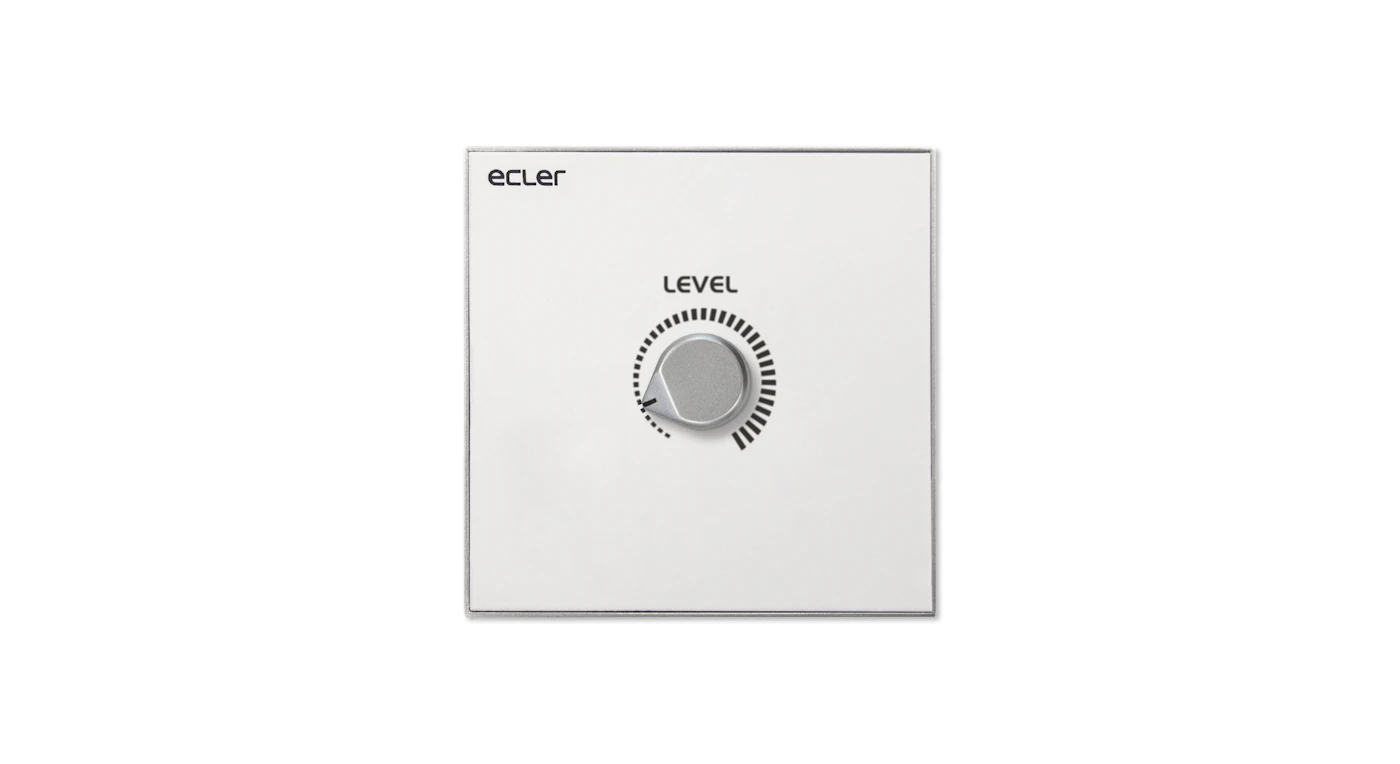
WPaVOL is a single-level volume control knob, compatible with any device that has a 0–10 V DC remote control port, and comes with an 86 x 86 x 38 mm surface-mount box. The same range includes connection plates such as WPaCNX-CBO (combo XLR and jack connector, wired with screw terminals, no soldering needed) for plugging in a microphone or an instrument right at the wall. According to the manufacturer, the WPa range was designed in collaboration with Italdesign Giugiaro.
TOCA: the new analogue range with an acrylic front
- TOCA-VOL: volume control for devices with a 0–10 or 0–12 V DC control input, configured by DIP switches.
- TOCA-MIXT: a small wall-mounted mixer with one stereo line input (minijack) and one balanced microphone input with bass and treble controls; the microphone takes priority over the music. It needs an external power supply; the manufacturer recommends WP24-PSU.
- Fits standard flush-mount wall boxes, comes in white and black, and has a double frame for mounting two units side by side.
WPNET: push-button keys for digital matrices
WPNET8K is a wall control panel with an LCD screen and 8 keys, connected over Ethernet and powered by PoE or a local power supply. The panel is used to recall presets or select sources for the MIMO4040CDN and MIMO7272DN matrices, and is compatible with MIMO88, MIMO88SG and MIMO1212SG through dedicated firmware.
PULSO: touchscreen
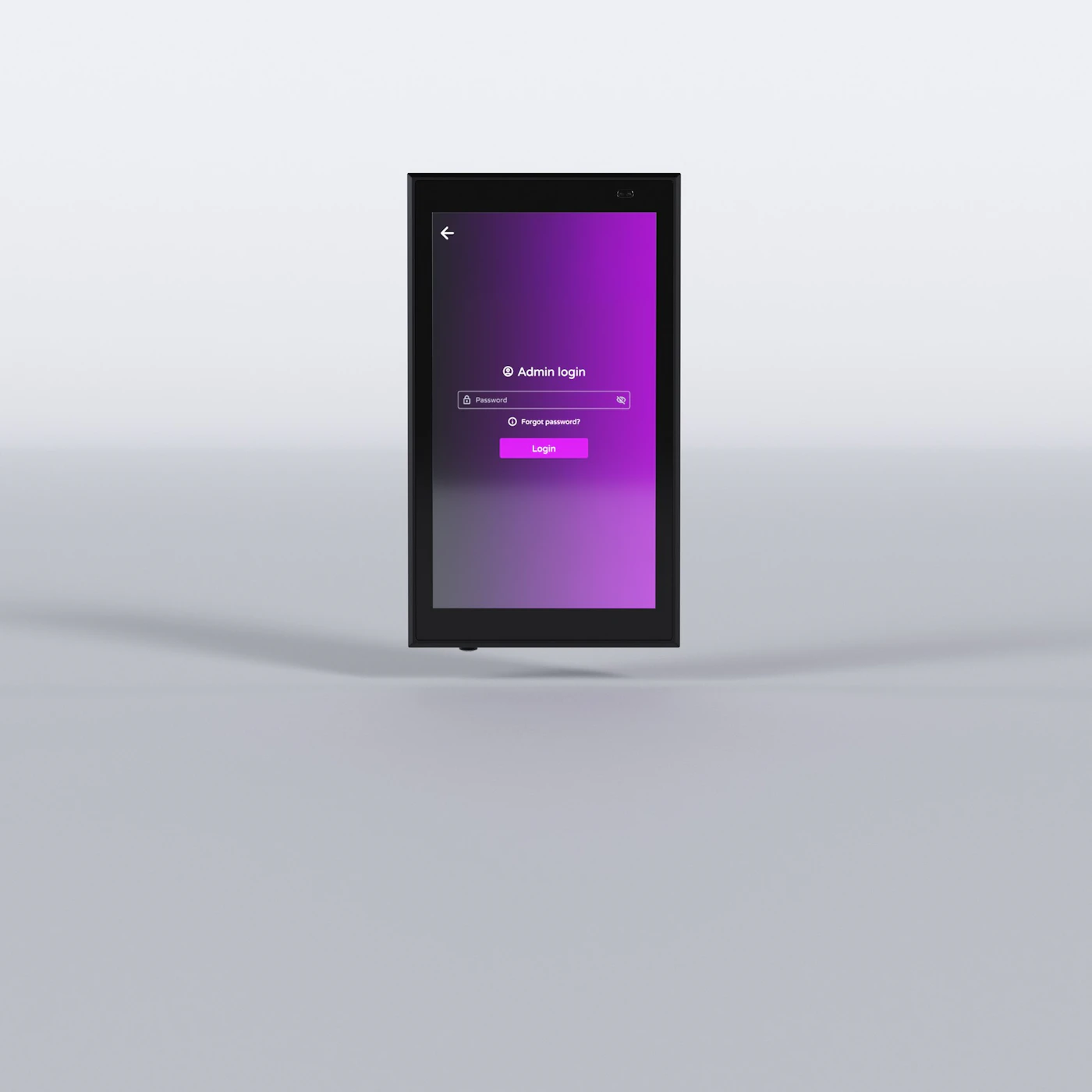
PULSO-6 has a 5.5-inch capacitive IPS touchscreen (720 x 1280 pixels), PoE power and a fully customisable user interface. The device is compatible with the Ecler VIDA, HALO and HUB ranges and with the EclerNet Manager software. The same range includes PULSO-4 and PULSO-10 with other screen sizes.

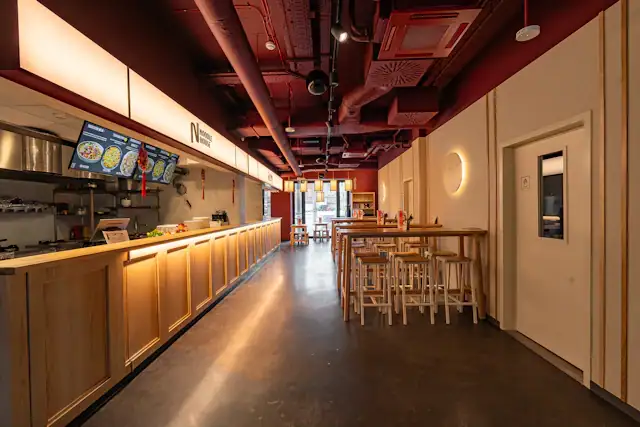
Photo: a flagship store in New York, a project that uses WPaVOL volume control knobs for the staff. Photo credit: Ecler.
Which range to choose
- Analogue amplifier or mixer with a 0–10 V control port: WPaVOL or TOCA-VOL.
- Need to plug in a microphone and music locally for one room: TOCA-MIXT.
- System built on a MIMO matrix, needing preset recall and source selection by keys: WPNET.
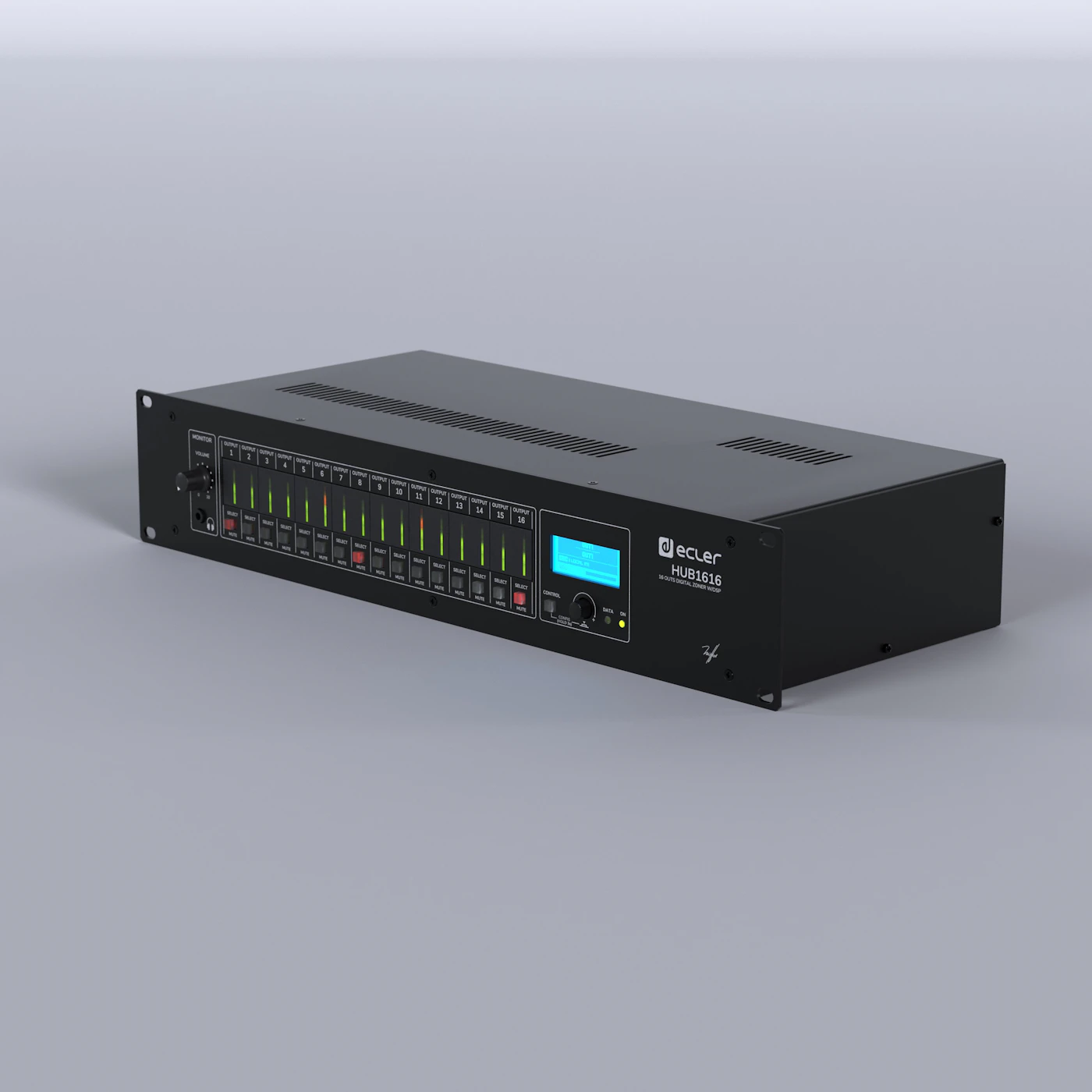
- System built on VIDA or HALO networked amplifiers or a HUB zoner, where a touch interface is wanted: PULSO.
Placement tips
- Place the panel where the staff stand to work, not where customers can reach it.
- Each panel should have only a few functions; leave the in-depth configuration in the software.
- Label the zone name right on or next to the panel.
Liza Trading is the Ecler distributor in Vietnam and provides dealer training on device configuration. Dealers and contractors can send their system diagram for advice on choosing the right wall control panel.